Forget the filename. Describe the document.
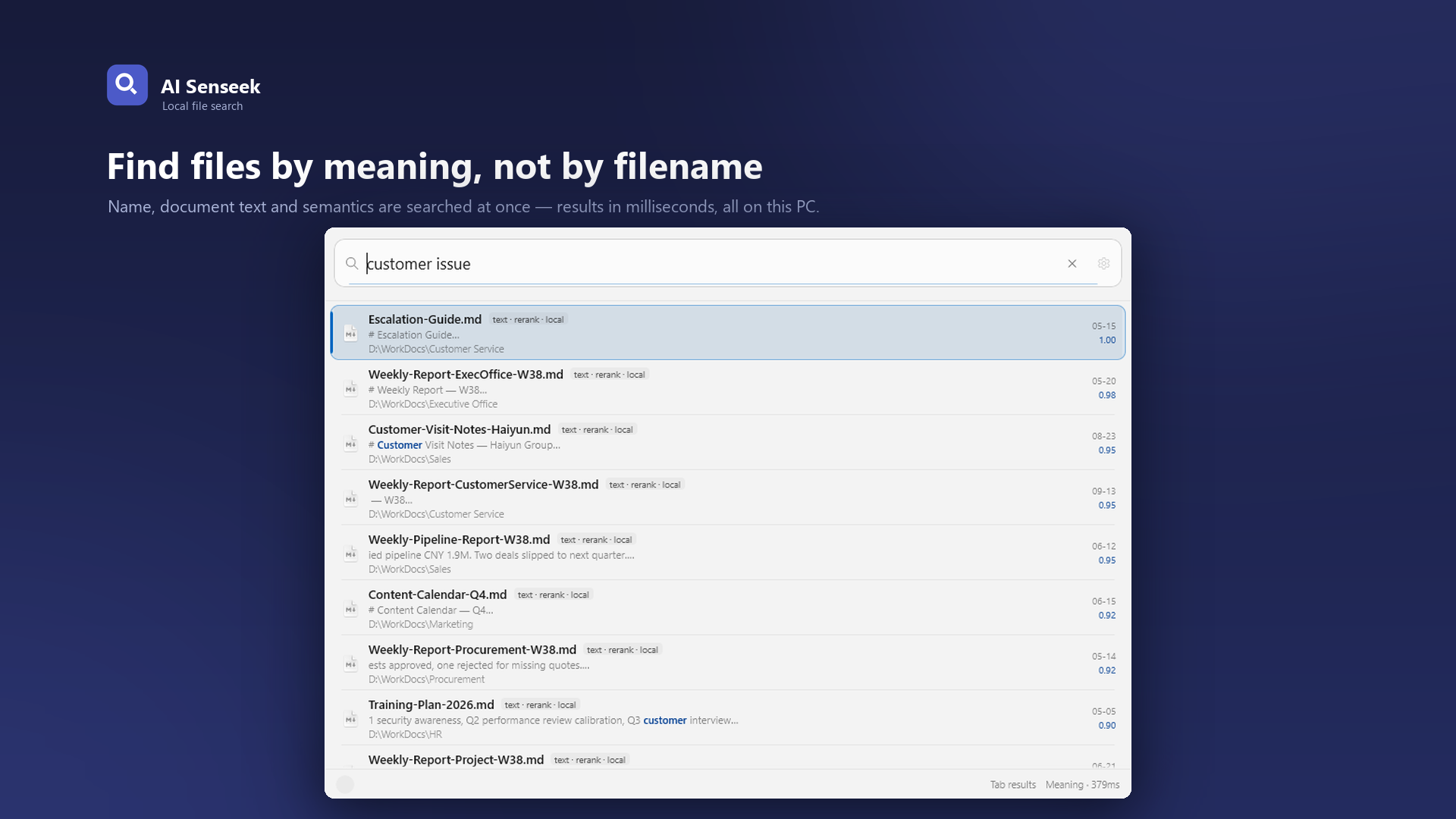
Once you have tens of thousands of files, the hard part is not finding anything — it is knowing a document exists but not what it is called. AI Senseek searches by name, by full text and by meaning at the same time, and puts the closest matches first.
Three retrievers, not one
Most search tools pick one strategy. Senseek runs all three and merges the ranked results in a single pass.
Names and pinyin
File name, path, and — for Chinese files — full pinyin spelling or just the initials. No IME switching required.
Full text
Word, PDF, Excel, PowerPoint, plain text, Markdown, source code, HTML. Chinese trigram tokenisation means half a sentence is enough.
Meaning
A bundled semantic model turns your wording into a vector and compares it directly. No keyword overlap needed — and it runs locally, not as a cloud API.
You decide what gets indexed
On first run you pick folders. Nothing else is touched. Each folder can be excluded (skipped entirely, not even the name is stored), normal, or preferred. If you only want filename matching for a folder, set its recall scope to name only — its text is never read.
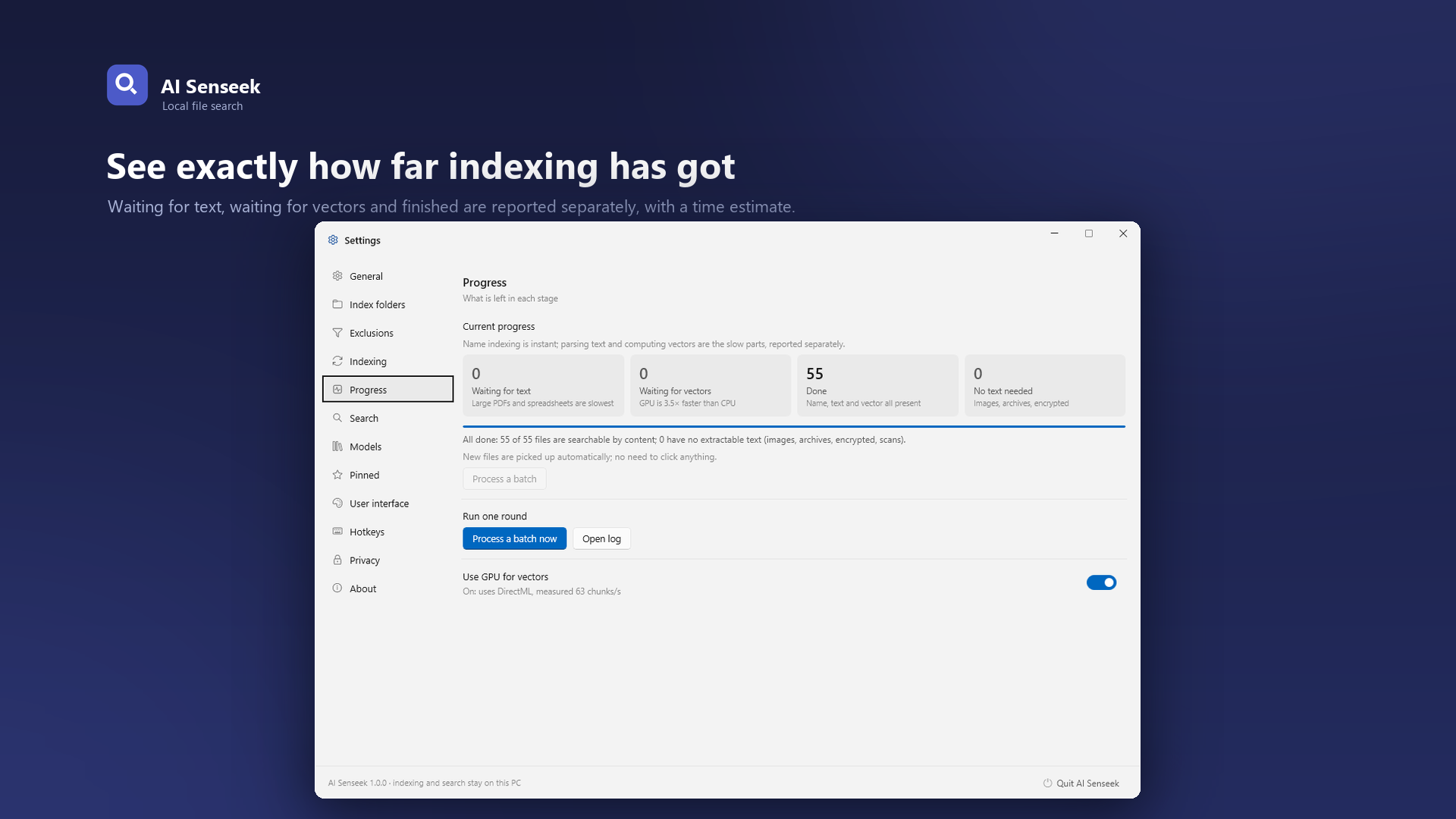
- Background indexing is time-boxed and throttled: fast when the machine is idle, slow when you are working.
- Incremental updates pick up renames, saves and deletions within about a minute — no manual rescans.
- Compact storage keeps chunk vectors as int8: roughly 4 GB for an index of 30,000 files, with a one-click compaction.
Works the way you already work
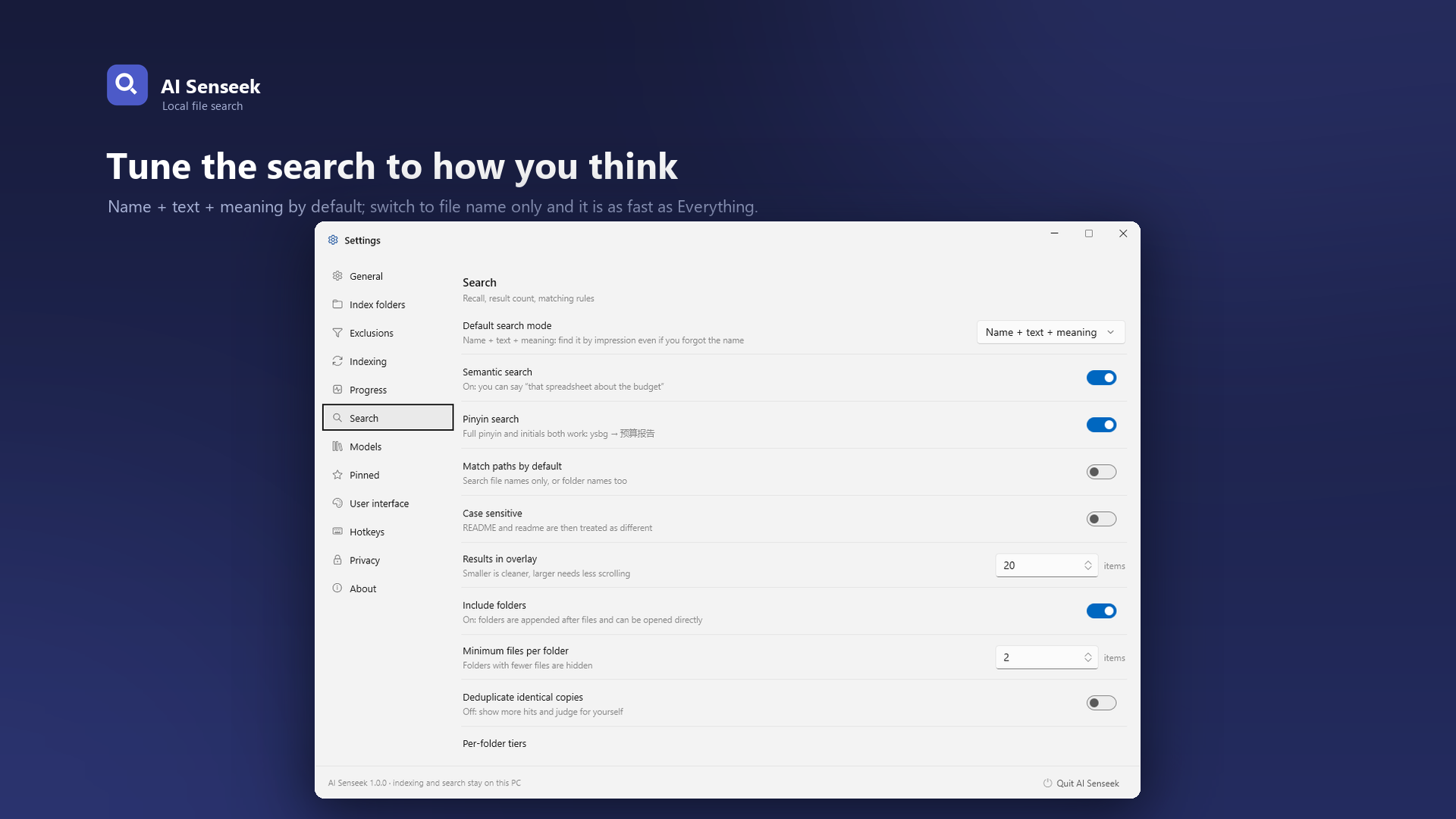
Keyboard first, with a preview that does not open another application.
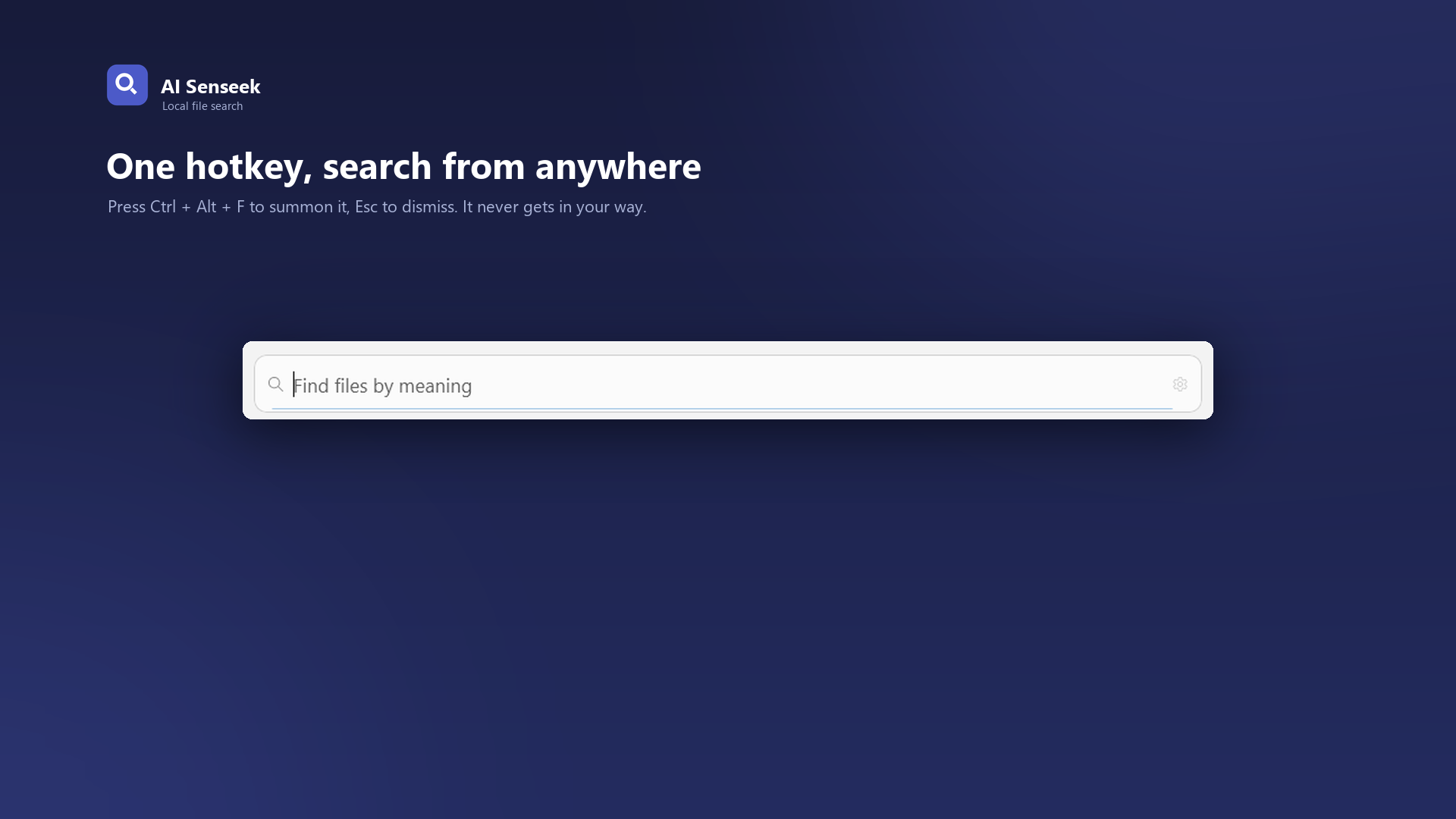
- Ctrl+Alt+F summons the panel over any window; Esc dismisses it
- Arrow keys to select, Enter to open, Space to preview with match highlighting
- Understands Everything-style syntax:
ext:pdf,size:>10mb,in:projects— mixed freely with plain language
- Tab expands into the main window with table and card views, sorting and filtering
- Pinned folders and recent files, reachable with number keys
- GPU acceleration through DirectML when available, automatic CPU fallback with identical results
Privacy, stated plainly
- No network access. The model ships with the app; nothing is downloaded on first search.
- No account, no sign-in, no cloud sync.
- The index is a local file containing file names, text chunks and vectors. Delete it and the index is gone.
- Query history stays local — clear it any time, or switch recording off.
Who it is for
People who have accumulated contracts, tenders, proposals, reports and meeting notes — and would rather not hand all of it to a cloud service. Law firms, design studios, manufacturing engineering and anyone whose PC holds more files than they can remember.
Get AI Senseek